
Zendesk
Hellonext for Zendesk helps you and your team keep track of new feature requests and user feedback organized in one single place. This integration makes it easy for you to automatically push updates from Hellonext to your Zendesk inbox, so that you can take action on those feedback posts immediately.
Overview
Our Zendesk integration allows you to create new Zendesk tickets from Hellonext posts automatically. When a new ticket is created on Zendesk, it has a link back to your Hellonext post so that you can get context of the issue real quick. You can also configure rules on Hellonext to make the integration powerful when working with Zendesk.
Configuration
Installing Hellonext for Zendesk is quite simple. Follow these steps to complete the process:
1. Connect your Zendesk account with Hellonext
From the Zendesk Marketplace, you can either search for Hellonext, or you can follow this link to directly go to the Hellonext app on Zendesk Marketplace.
2. Enter your Zendesk URL
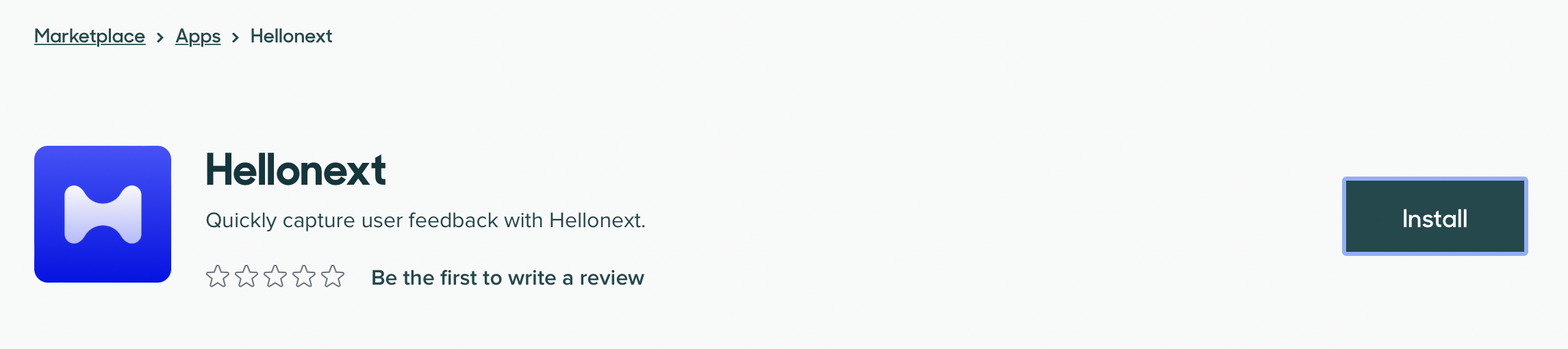
From the Hellonext for Zendesk on Zendesk Marketplace page, click on the Install button.
3. Configure Zendesk on Hellonext
Once you install Hellonext on your Zendesk account, you can now navigate to your Hellonext Admin Dashboard → Organization Settings → Integrations.
In the Zendesk section, enter your Zendesk sub-domain URL. Click on Add to Zendesk button to authorize Zendesk with Hellonext.
4. Allow Hellonext to sync with Zendesk
You will be asked to Allow Hellonext to sync data with Zendesk. Click on Allow, and we're all set with the integration now.
You can also access our Help article ↗ to learn more about Hellonext integration for Zendesk.